Setup guide
Connect athletedata to ChatGPT
Add athletedata as a custom MCP plugin inside ChatGPT.
Turn on Developer mode
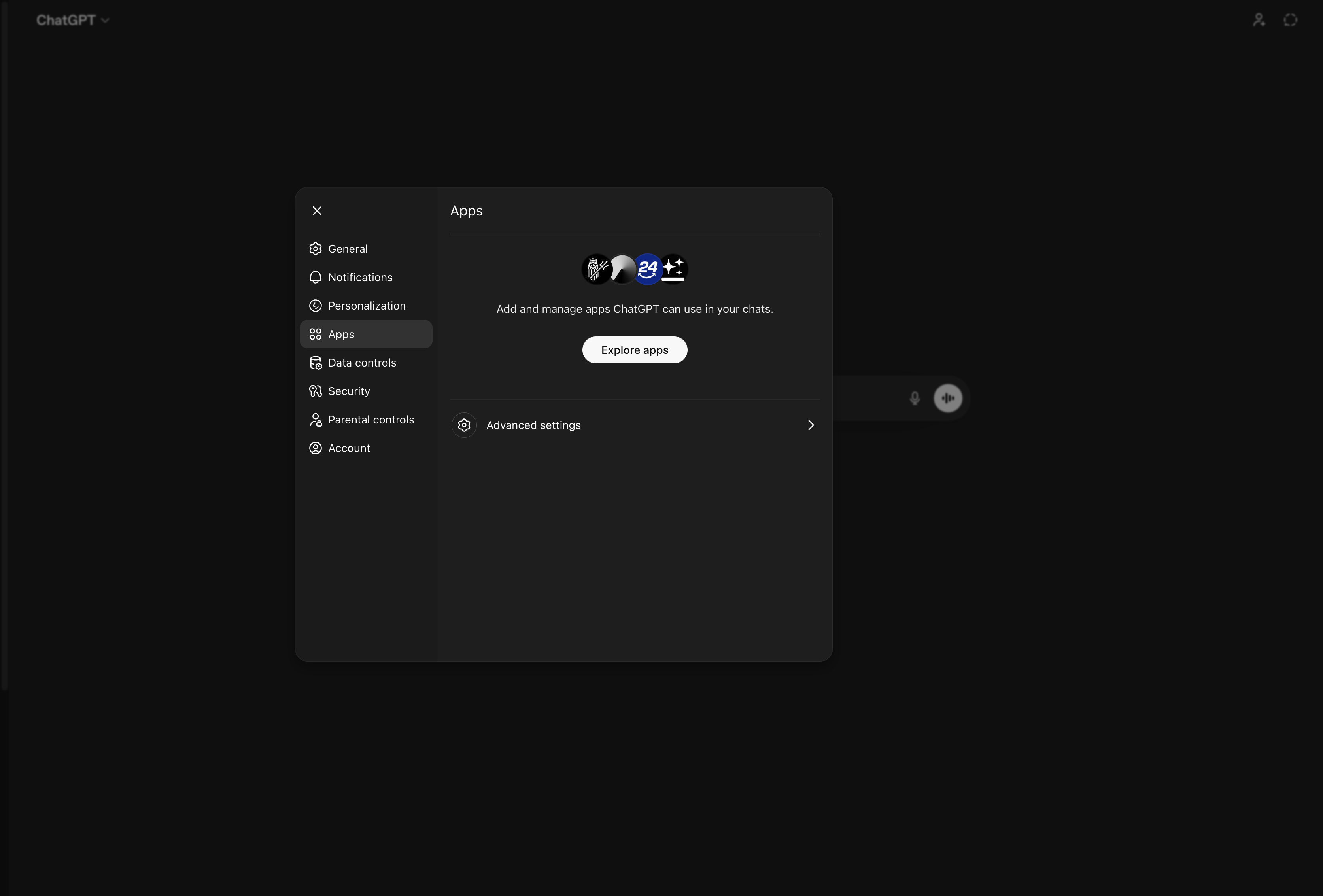
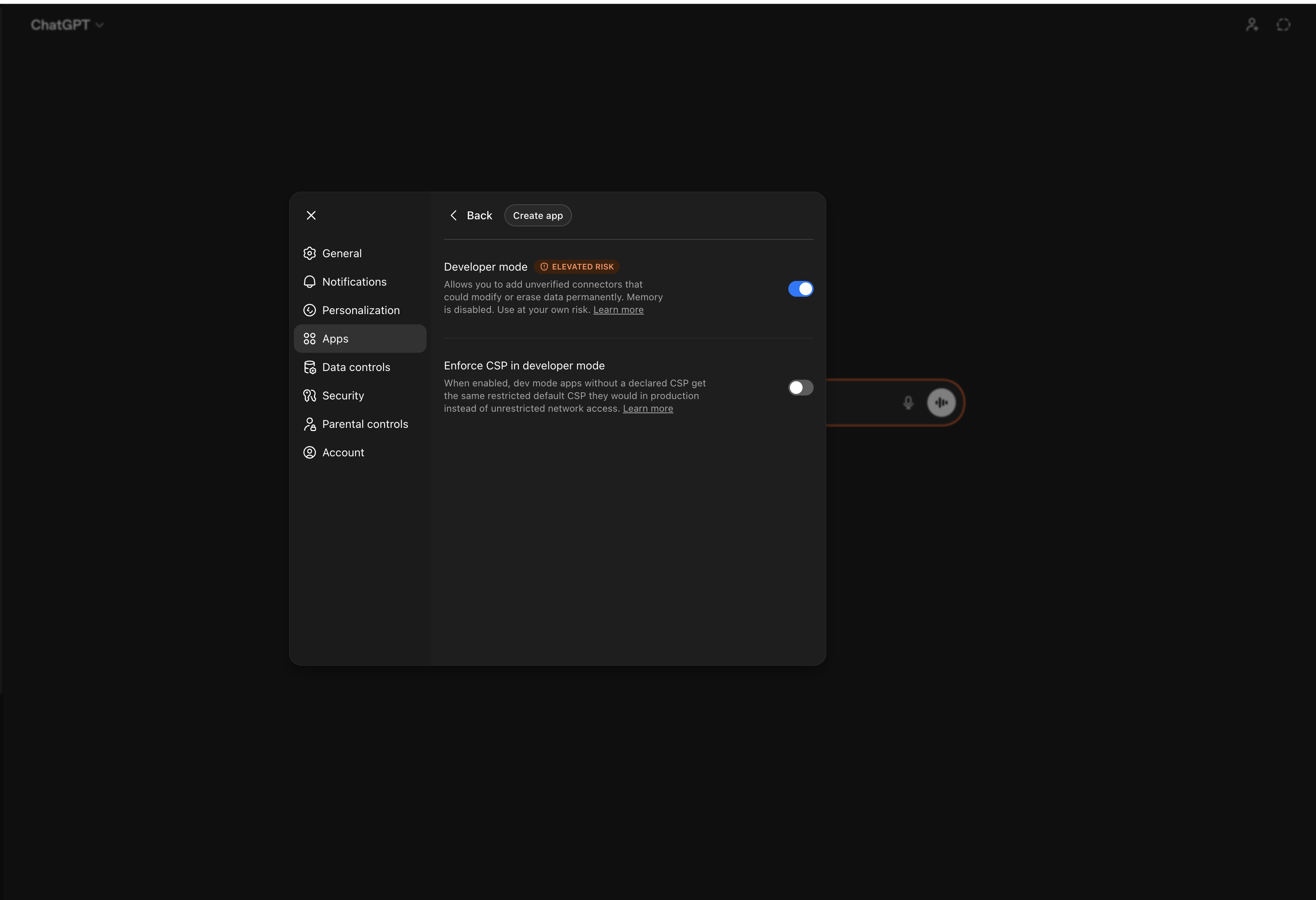
Go to chatgpt.com/#settings/Security (the Security and login tab). Scroll down to Developer mode and toggle it on.
ChatGPT needs a paid plan, because adding a custom MCP plugin requires Developer mode: that is available on Plus, Pro, Business, Enterprise and Education accounts, on chatgpt.com in a browser (the iPhone and Android apps have no Developer mode toggle). Plus is enough - you do not need Pro.
ChatGPT shows an Elevated risk warning - that's expected for any custom MCP server, because OpenAI hasn't reviewed it. We obviously vouch for the athletedata server, but use your own judgement here.
Open Plugins and add a new one
Go to chatgpt.com/plugins and click the + in the top right to open the New Plugin dialog.
Fill out the New Plugin form
- Name:
athletedata - Connection: leave it on Server URL and enter
https://mcp.athletedata.health/mcp. That is the whole URL - the same one for everybody, with no key on the end. - Authentication: choose OAuth. ChatGPT will send you to athletedata to sign in, and that is what ties the plugin to your account.
- Icon (optional): skip it, or grab the athletedata icon - it's already under ChatGPT's 10 KB limit. Purely cosmetic.
- Tick I understand and want to continue, then click Create.
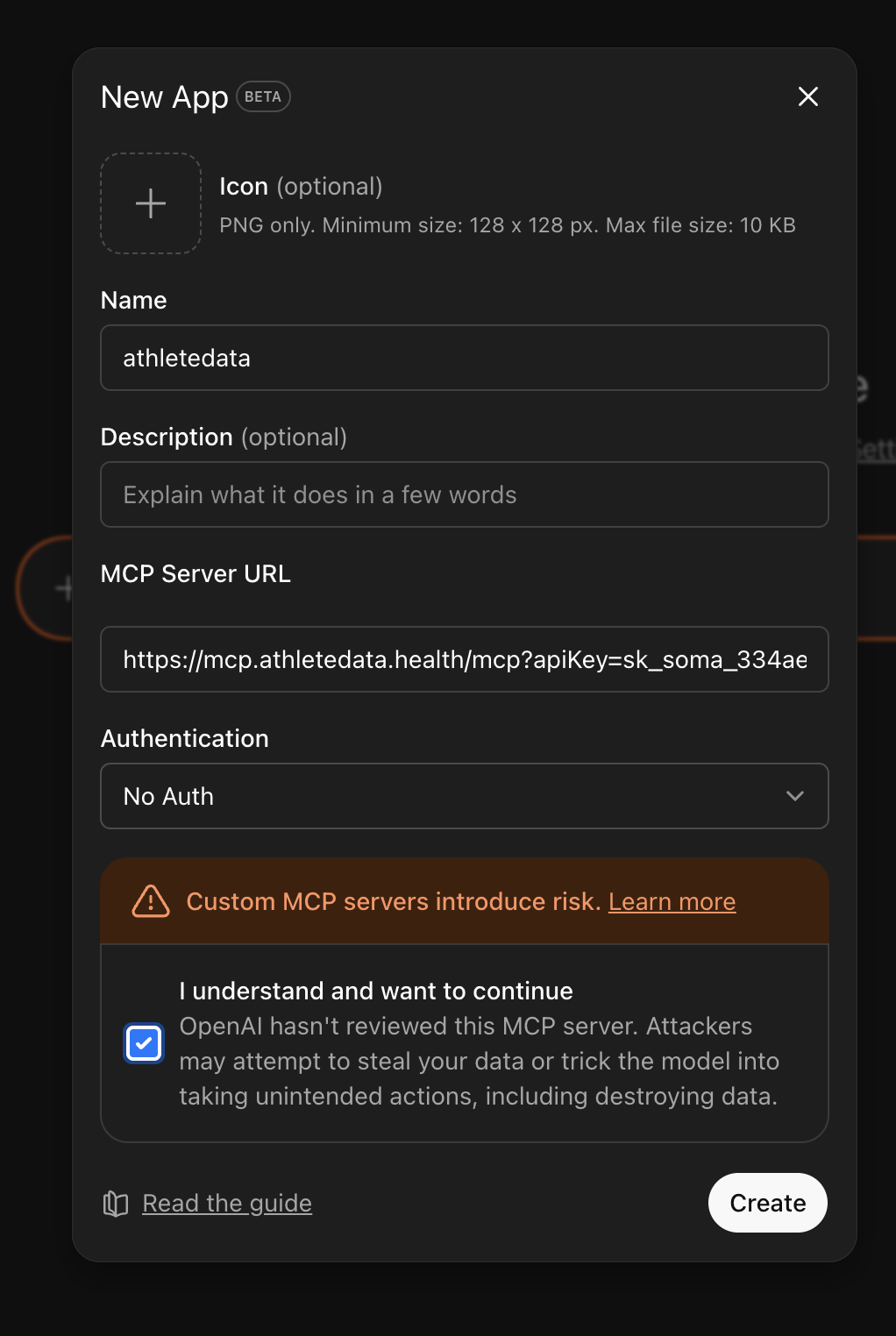
No OAuth option in your version? Then pick No Auth and paste the keyed URL instead - grab it from your dashboard with the Copy MCP URL button. It works exactly the same; it just puts your key in the URL instead of signing you in.
Connect it
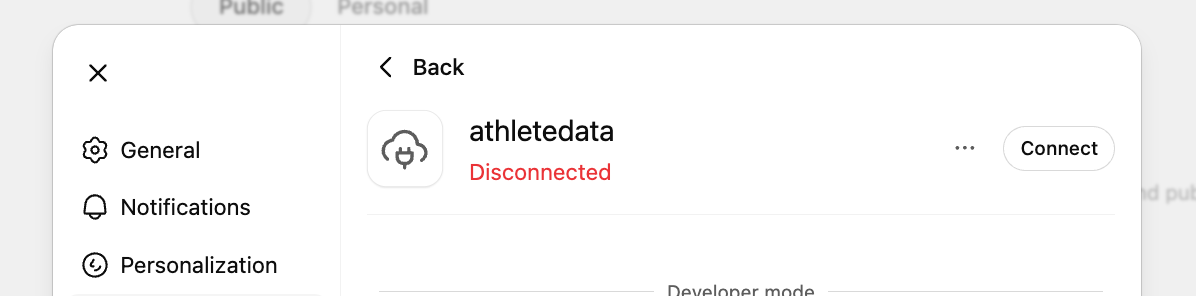
After you create it, the plugin often lands as Disconnected (the list row shows Reconnect). Back in Plugins, click athletedata and hit Connect.
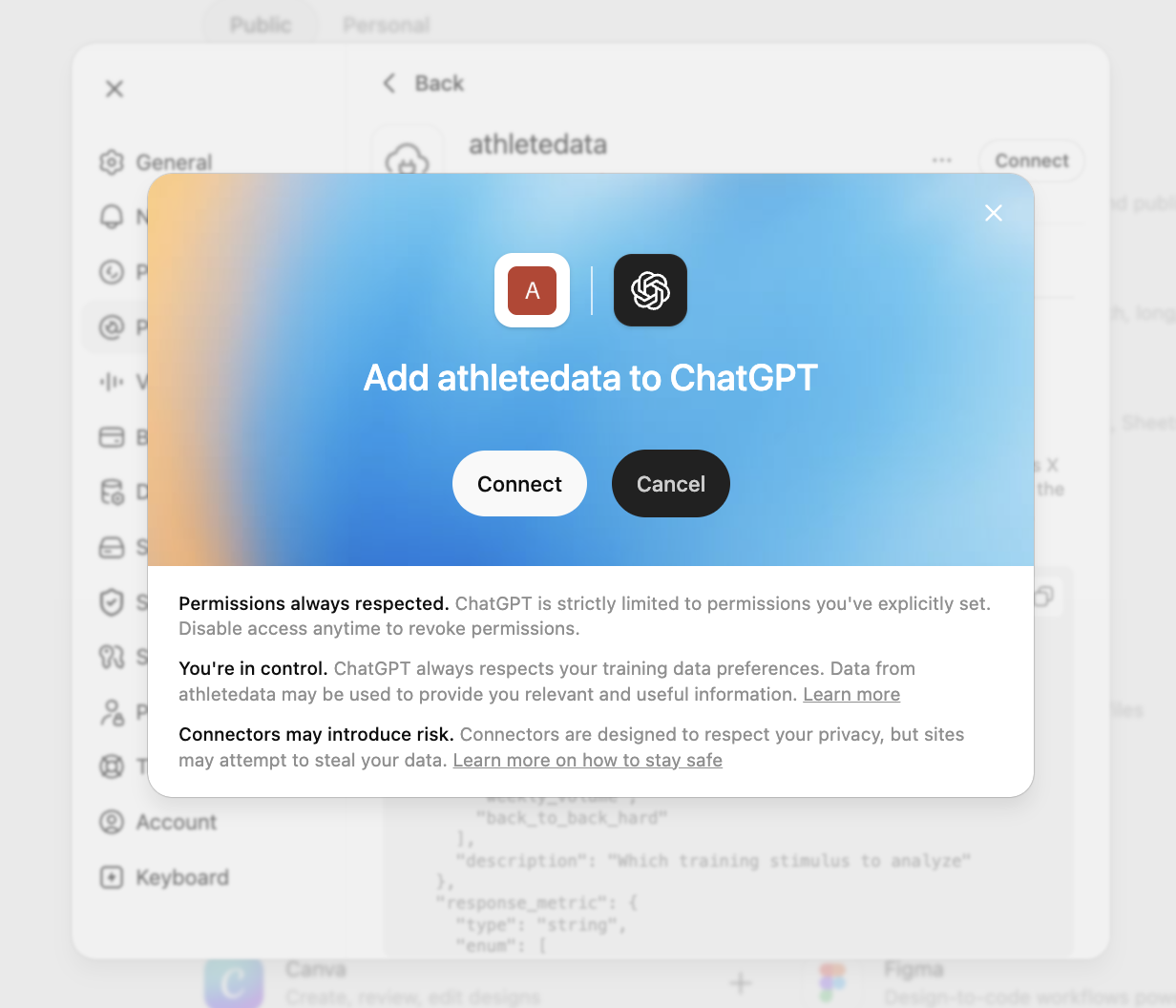
An Add athletedata to ChatGPT dialog pops up. Click Sign in with athletedata.
That sends you to athletedata. Sign in if you are not already, check the account shown is the right one, and hit Connect. Once the plugin flips to Connected you're live.
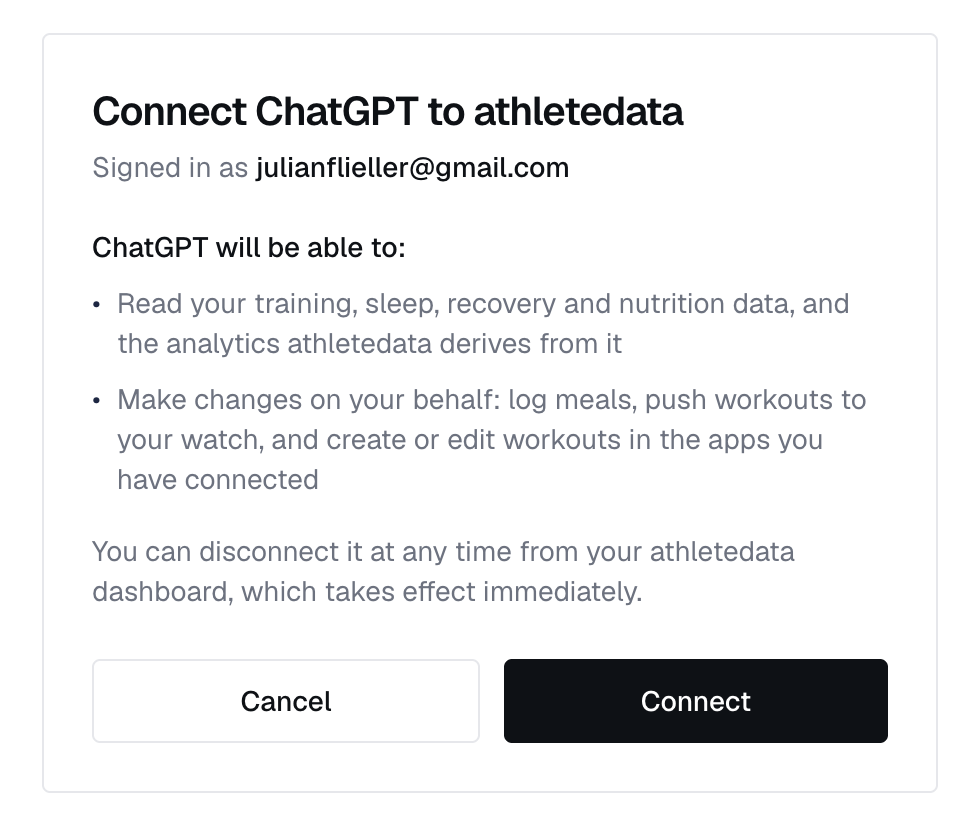
You can disconnect it at any time from your athletedata settings, and it loses access immediately.
(Optional) Stop the approval prompts
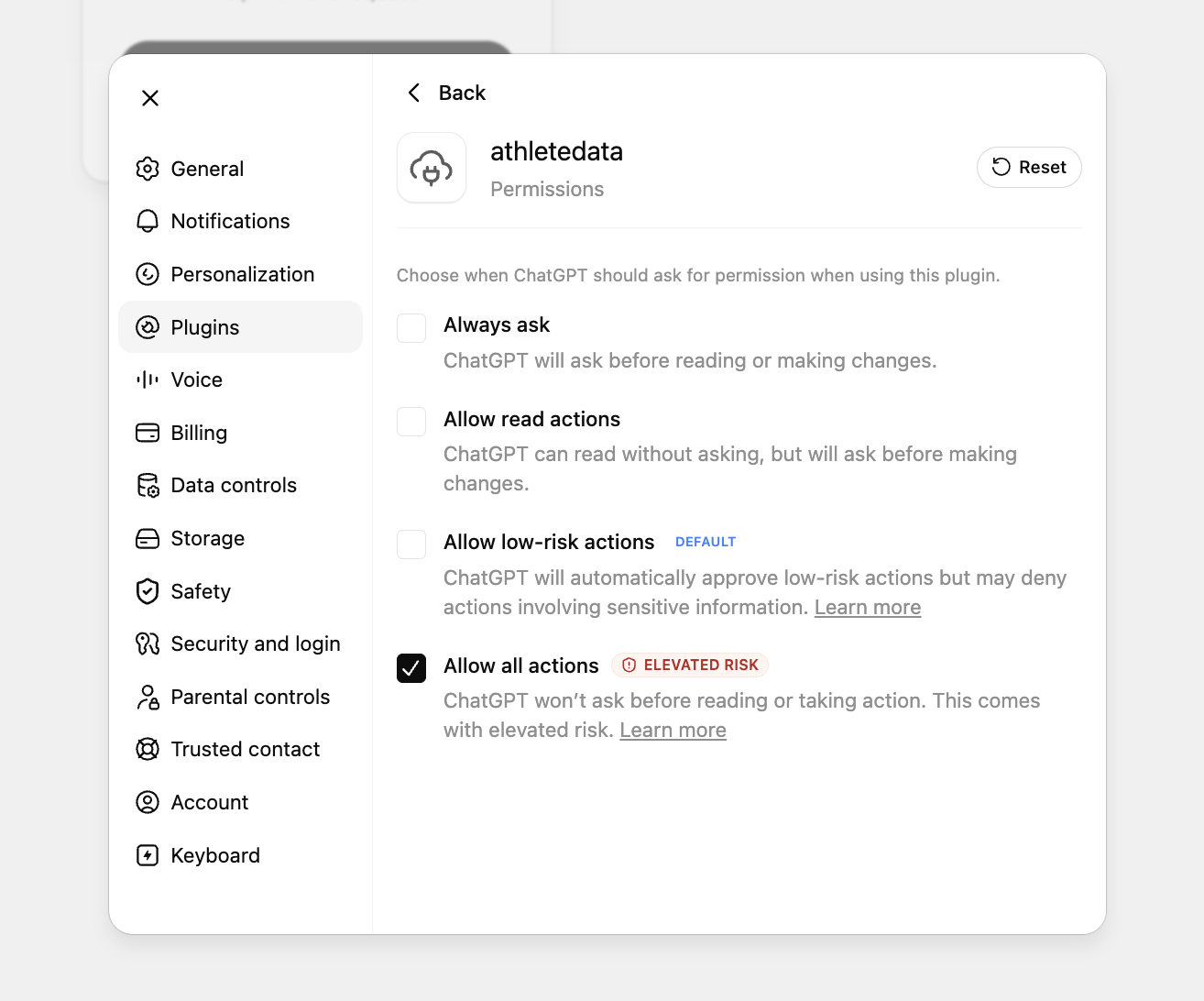
By default ChatGPT asks for permission before every action. To let it pull your data without interrupting you, open the athletedata plugin's Permissions and pick Allow read actions (reads freely, still asks before any change) - or Allow all actions if you'd rather it never ask.
Attach it to your chat, then ask
Open a new conversation and start your first message with @athletedata - type @ and pick it from the list. ChatGPT leaves custom plugins switched off in each new chat until you reference one, so this is the step most people miss.
@athletedata Pull my last 4 weeks of runs and tell me whether my training load is sustainable given my recent HRV.
Once it's attached, ChatGPT keeps using it for the rest of that conversation. Start each new chat the same way.
Not working?
- If ChatGPT answers something like “I wasn't able to access the connected athletedata tool from this chat”, the plugin isn't attached to that conversation. Start your message with
@athletedata(Step 6). Your plugin list will still say Connected either way, so this looks like a broken connection when it isn't one. - If you can't find Developer mode at all, you are almost certainly in the phone app - the toggle only exists on chatgpt.com in a browser. It also needs a paid ChatGPT plan, and Plus is enough - Pro is not required.
- If ChatGPT never offered you a sign-in, check the Authentication dropdown is on OAuth and the URL is exactly
https://mcp.athletedata.health/mcp- with nothing after it. - Using the keyed URL with No Auth instead? Then make sure it contains
?apiKey=followed by your full key. - Signed in as the wrong account? Delete the plugin, sign out of athletedata, and add it again.
- Make sure your athletedata subscription is active - check your billing page.
- Connect at least one app (Garmin, WHOOP, Oura, etc.) on the integrations page - otherwise the tools have nothing to query.
- Stuck? Email team@athletedata.health and we'll help directly.
New to athletedata?
athletedata pulls your training, sleep and recovery out of 31 apps - Garmin, WHOOP, Oura, Apple Health, Hevy and the rest of your stack - and keeps it in one place. This guide is how you point the AI you already use at it. You just need an account first.
Works with Claude, ChatGPT, Cursor, Perplexity and Lovable. Cancel anytime.